

About Budvio
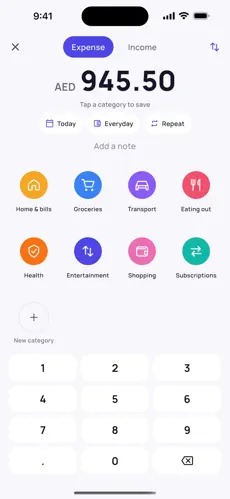
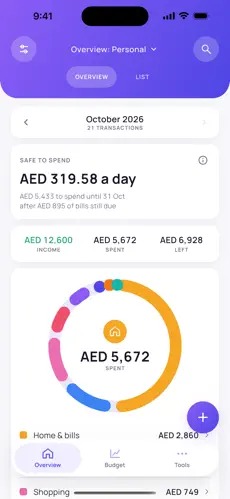
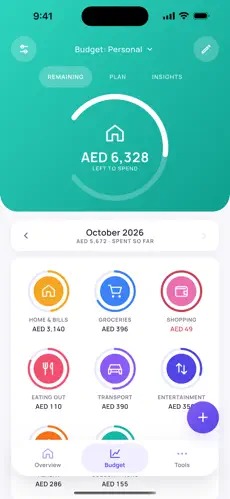
Live on App StoreBudvio turns your monthly budget into one clear number: how much you can safely spend today, after the bills still due. Log an expense in seconds with a keypad and colour-coded categories, see income, spending and what's left at a glance, and track every category against its budget. No bank account connection needed.
Problem and solution
Most budgeting apps show charts of the past, not what you can actually spend right now, and many want your bank login first.
A daily "safe to spend" figure, fast expense entry and category budgets, with no bank connection.
Key features
"Safe to spend" per day, after upcoming bills
Income, spent and left for the month at a glance
Add an expense in seconds with a keypad and categories
Recurring expenses with Repeat
Category budgets with remaining amounts
Personal overviews, budget plan and insights
Results and facts
How it works
- PlanSet your monthly budget
- LogExpense in seconds
- KnowSafe to spend today
- ReviewCategory budgets
Launch timeline
- 16 Oct 2026Submitted to the App Store
- 28 Oct 2026Approved and live on the App Store
- After launchBudvio Plus subscription live in production
- NextAI receipt scanning and voice entry
Technology
Want a personal finance app like Budvio?
VigyanSoft has shipped 100+ products on iOS, Android and the web. Tell us your idea and we’ll show you how we’d build it.
Or email us at info@vigyansoft.comMore reference projects
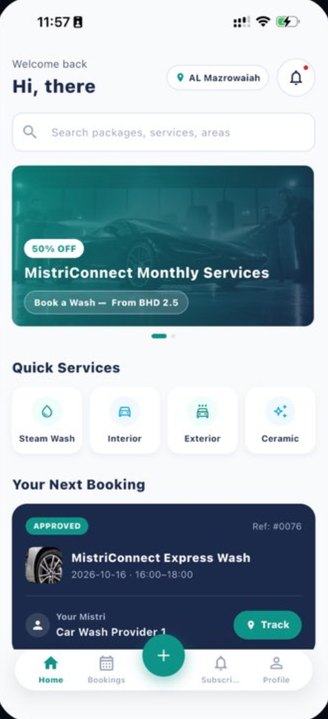

MistriConnect
Live on the App Store and webOn-demand car wash marketplace for Bahrain, with apps for customers, crews and operations
View case study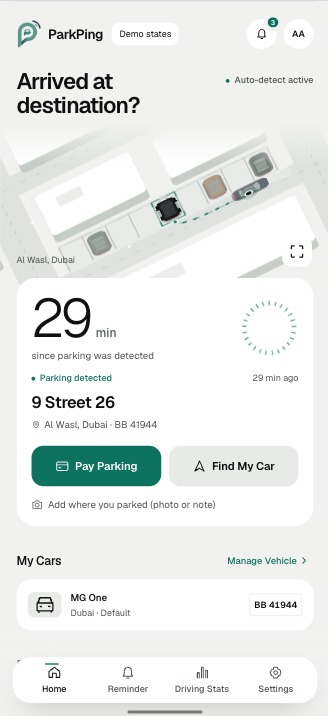

ParkPing
Live on App Store & Google PlayReminds UAE drivers to pay for parking when they forget
View case study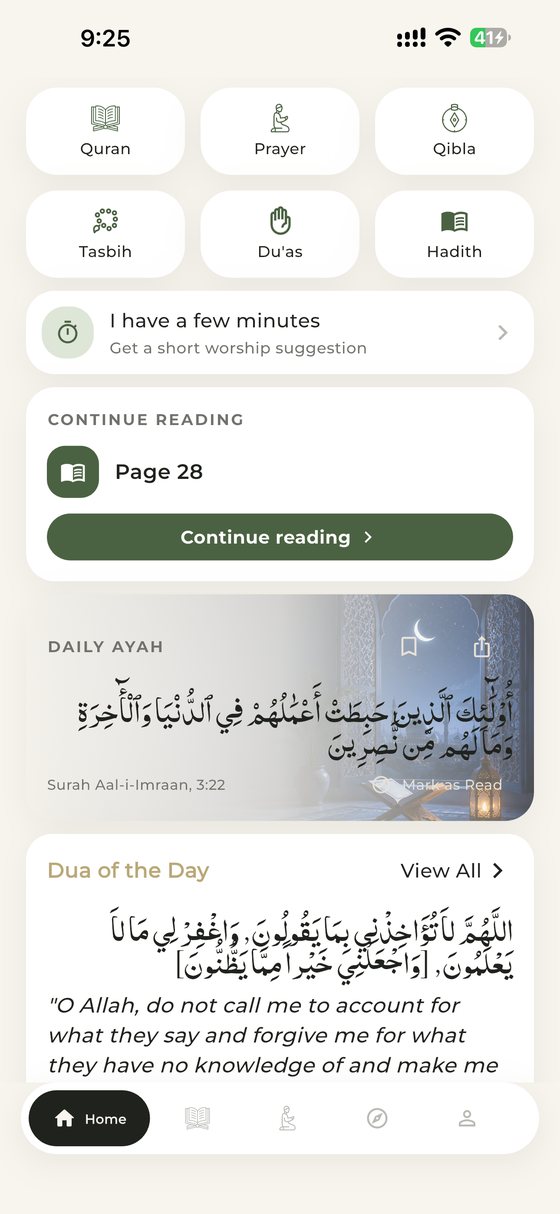

DeenPulse
Live on App Store & Google PlayQuran, prayer times and daily worship in one calm app
View case study